

Still sending
Way-Brand-Id + Way-Secret-Key headers with an older key? That method keeps working - see Legacy authentication. You can switch at any time by creating a new key.Create an API key
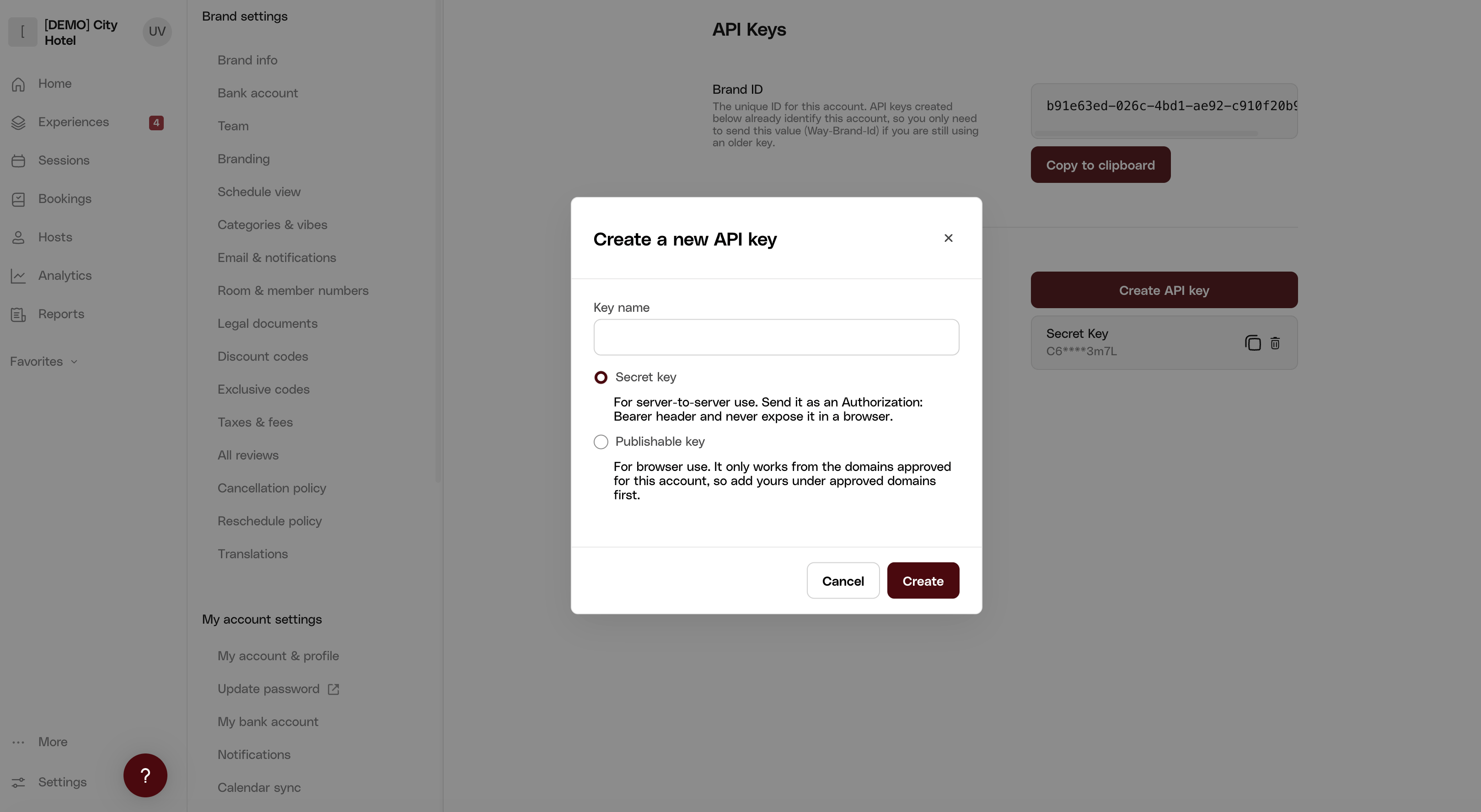
In the Way dashboard, go to Settings → Developers → API Keys and select Create API key. Name the key and choose its type:- Secret key (
way_sk_...) - for server-to-server use. Send it as anAuthorization: Bearerheader and never expose it in a browser. - Publishable key (
way_pk_...) - for browser use. It only works from the domains approved for your account, so add yours under approved domains first.
Key format
Verify your credentials
Fetch your brand’s settings (replace the Brand ID and key with your own):Brand keys and organization keys
A key is issued to either a brand or an organization:- Brand key - created in your brand’s dashboard; scoped to that brand. A
brandIdin the path must be that brand, or the request fails with403 Forbidden. - Organization key - created under Organizations → API Keys; authorizes every brand in your organization, including brands of child organizations.
Naming a brand with an organization key
An organization key authorizes every brand in the organization, but it does not by itself say which brand a request is about. How you name the brand depends on the endpoint, and each endpoint’s reference page states which of these applies:
A brand key never needs the header: it already names its brand, and a
Way-Brand-Id header sent with one is ignored.
Requests for a brand or resource outside the key’s organization fail with 403 Forbidden.
Example: list the brands in your organization
Example: list the brands in your organization